
ComfyUI Extension: Remove Background
Run ComfyUI workflows without the setup
No installs, no CUDA version roulette, no GPU sitting idle on your bill. Bring a workflow and run it in the browser.
Remove background scenery from an image of a person. The output image is saved as an RGBA PNG. The alpha channel is included.
README
ComfyUI Remove Background
Remove background scenery from an image of a person. The output options are RGB, RGBA and Alpha Channel only.
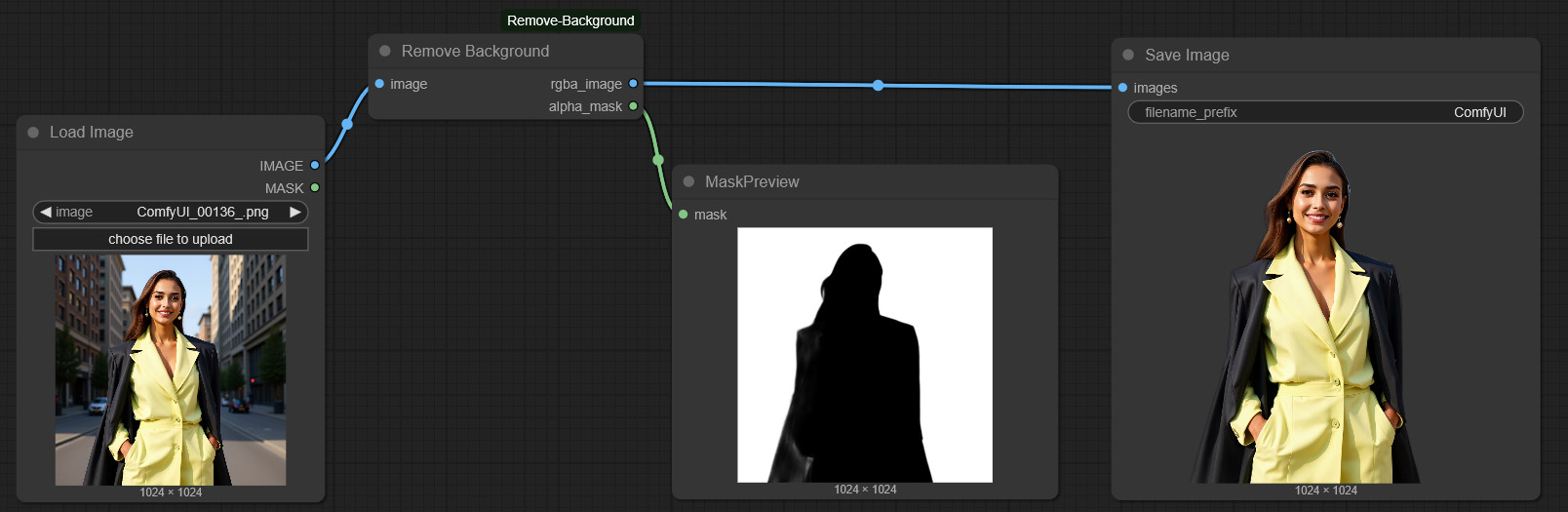
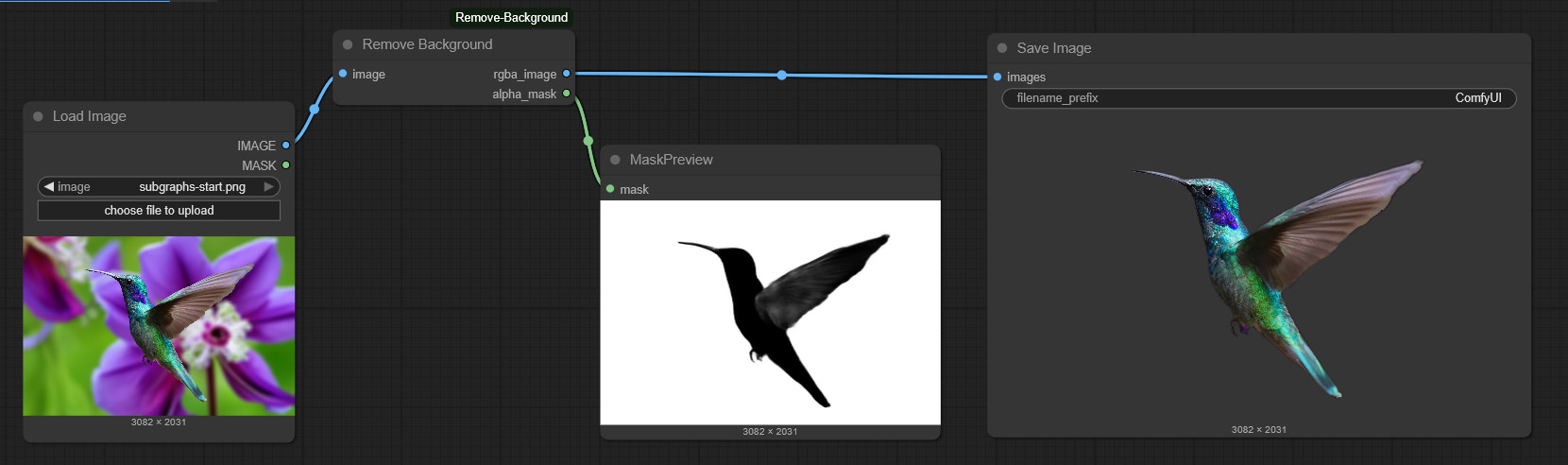
Install Remove Background Custom Node
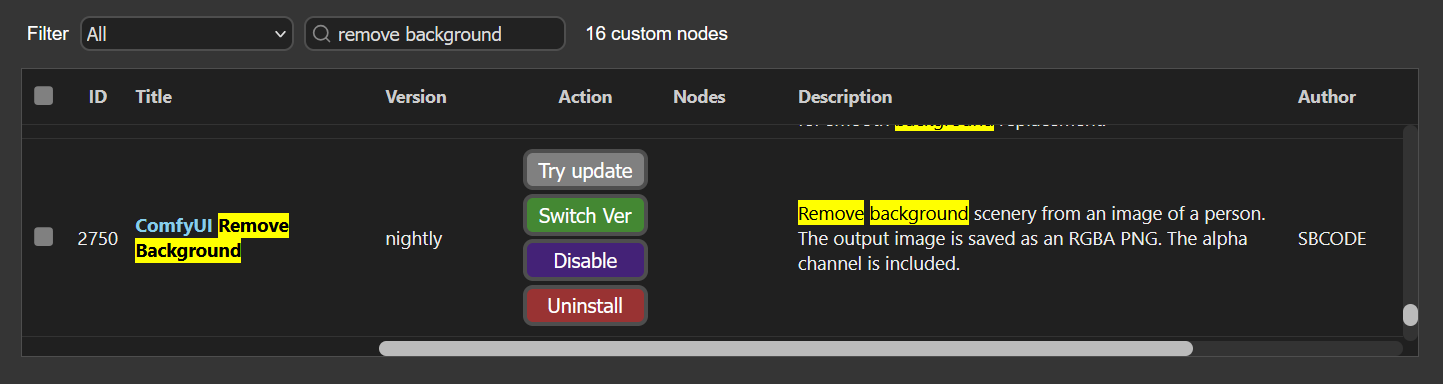
Install the ComfyUI Remove Background custom node using the manager,
Or, install using your command/terminal prompt.
- Navigate to your
ComfyUI/custom_nodesfolder. - Run,
git clone https://github.com/Sean-Bradley/ComfyUI-Remove-Background.git - Navigate to your
ComfyUI_windows_portablefolder. - Run,
python_embeded\python -m pip install -r ComfyUI/custom_nodes/comfyui-remove-background/requirements.txt - Restart ComfyUI
Run ComfyUI workflows without the setup
No installs, no CUDA version roulette, no GPU sitting idle on your bill. Bring a workflow and run it in the browser.