
ComfyUI Extension: Flow - Streamlined Way to ComfyUI
Run ComfyUI workflows without the setup
No installs, no CUDA version roulette, no GPU sitting idle on your bill. Bring a workflow and run it in the browser.
Flow is a custom node designed to provide a more user-friendly interface for ComfyUI by acting as an alternative user interface for running workflows. It is not a replacement for workflow creation. Flow is currently in the early stages of development, so expect bugs and ongoing feature enhancements. With your support and feedback, Flow will settle into a steady stream.
README
<a name="readme-top"></a>
<!-- *** Thanks for checking out the Best-README-Template. If you have a suggestion *** that would make this better, please fork the repo and create a pull request *** or simply open an issue with the tag "enhancement". *** Don't forget to give the project a star! *** Thanks again! Now go create something AMAZING! :D --> <!-- *** I'm using markdown "reference style" links for readability. *** Reference links are enclosed in brackets [ ] instead of parentheses ( ). *** See the bottom of this document for the declaration of the reference variables *** for contributors-url, forks-url, etc. This is an optional, concise syntax you may use. *** https://www.markdownguide.org/basic-syntax/#reference-style-links --> <br /> <div align="center">


About The Project
Flow is a custom node designed to provide user-friendly interface for ComfyUI by acting as an alternative user interface for running workflows. It is not a replacement for workflow creation.
Flow is currently in the early stages of development, so expect bugs and ongoing feature enhancements. With your support and feedback, Flow will settle into a steady stream.
Watch on Youtube
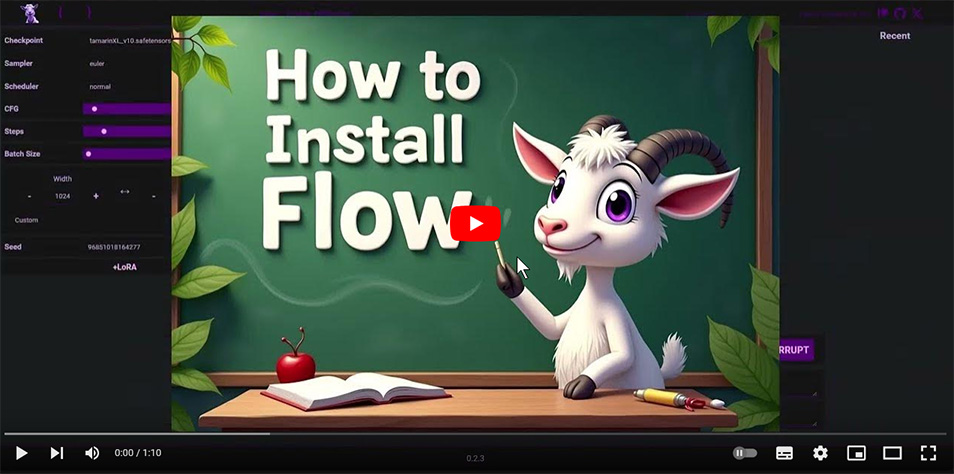
Requirements
<!-- INSTALLATION -->Installation
In ComfyUI root folder, navigate to the custom_nodes folder and run the following command:
Open the terminal, or in the address bar type CMD to open a command prompt, then run the following command:
git clone https://github.com/diStyApps/ComfyUI-disty-Flow
To run Flow, navigate to this address in your web browser:
http://127.0.0.1:8188/flow
Roadmap
Flow Customization
- [x] Flow Linker
-
- [ ] Improved Flow Linker
- Expanded Flow Components
- Enhanced Customization Options
Feature Support
-
[x] Canvas / Masking / Inpainting Functionality
-
- [x] Improved Canvas / Masking / Inpainting Functionality
-
- [ ] Outpainting Functionality
-
- Improving Inpainting Functionality
-
[ ] Enhanced Media Handling
-
[x] Live Preview
-
[ ] Prompt Tracking
UI/UX Enhancements
- [ ] Status Bar Implementation
- [ ] Optimized Menu for Flow Organization
- General User Interface Improvements
Media and Model Management
- [ ] Media Gallery Integration
- [x] Model Gallery Integration
-
- Improved Model Gallery
Pre-built Flows
- Exclusive Flows for various tasks
- Task-specific Flows
- Continuous updates to support evolving needs
Codebase Improvements
- [ ] Code Optimization and Refactoring
- [ ] Better Error Handling
- [ ] Improved Event Handling
Contact
distty@gmail.com
<p align="right">(<a href="#readme-top">back to top</a>)</p> <!-- MY OTHER PROJECTS -->My Other Projects
<p align="right">(<a href="#readme-top">back to top</a>)</p>Run ComfyUI workflows without the setup
No installs, no CUDA version roulette, no GPU sitting idle on your bill. Bring a workflow and run it in the browser.