
ComfyUI Extension: ComfyUI-Color-Matcher
Run ComfyUI workflows without the setup
No installs, no CUDA version roulette, no GPU sitting idle on your bill. Bring a workflow and run it in the browser.
ComfyUI node for color matching between images using color-matcher library
README
ComfyUI-Color-Matcher
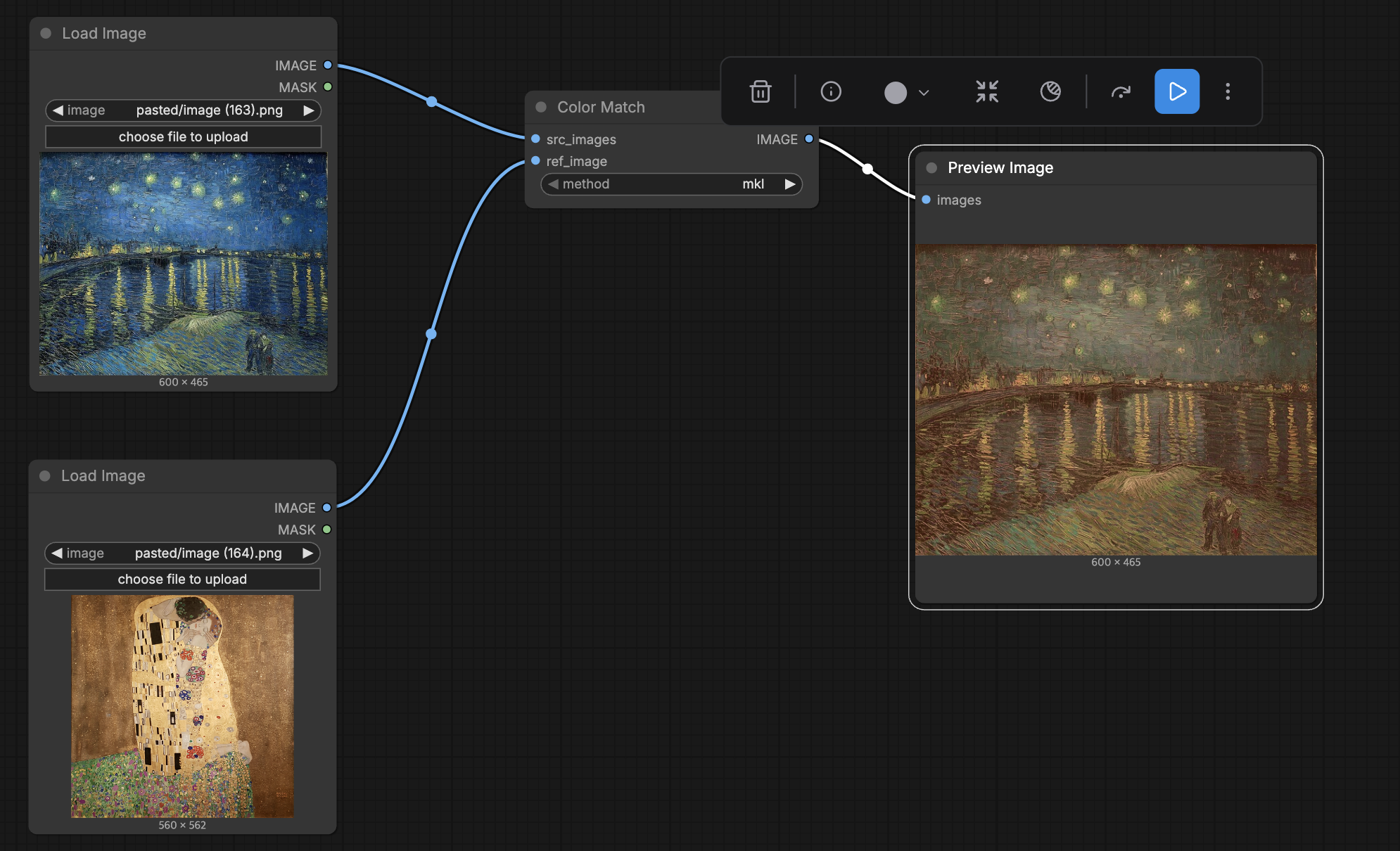
ComfyUI custom node for color matching between images. Transfers the color distribution from a reference image to source images or video frames.
Features
- Transfer color characteristics from a reference image to source images
- Supports batch processing for video frames (multi-frame input)
- 6 color matching algorithms to choose from
Supported Methods
| Method | Description |
|--------|-------------|
| mkl | Monge-Kantorovich Linearization |
| hm | Histogram Matching |
| reinhard | Reinhard et al. color transfer |
| mvgd | Multi-Variate Gaussian Distribution |
| hm-mvgd-hm | Compound: HM + MVGD + HM |
| hm-mkl-hm | Compound: HM + MKL + HM |
Installation
-
Clone this repository into your
ComfyUI/custom_nodes/directory:cd ComfyUI/custom_nodes/ git clone https://github.com/okdalto/ComfyUI-Color-Matcher.git -
Install dependencies:
pip install -r requirements.txt
Usage
Inputs
- image_ref (IMAGE) - Reference image whose color distribution will be transferred
- image_target (IMAGE) - Source image or video frames to apply color matching to
- method (COMBO) - Color matching algorithm to use
Output
- IMAGE - Color-matched result image(s)
Workflow
- Load a source image (or video frames) and a reference image
- Connect them to the Color Match node
- Select a matching method (default:
mkl) - The output will have the color characteristics of the reference image applied to the source
Credits
- color-matcher library by hahnec - Core color transfer algorithms (GPL-3.0 License)
- ComfyUI-AdvancedLivePortrait by PowerHouseMan - Original project structure this node was built upon
License
This project uses the color-matcher library which is licensed under GPL-3.0.
Run ComfyUI workflows without the setup
No installs, no CUDA version roulette, no GPU sitting idle on your bill. Bring a workflow and run it in the browser.